
Financial Security
Safe digital banking: the dos, the don'ts, and how to report fraud
Digital banking is convenient; digital awareness is your protection. The essential dos and don'ts for banking online, and exactly what to do the moment you spot a fraudulent transaction.

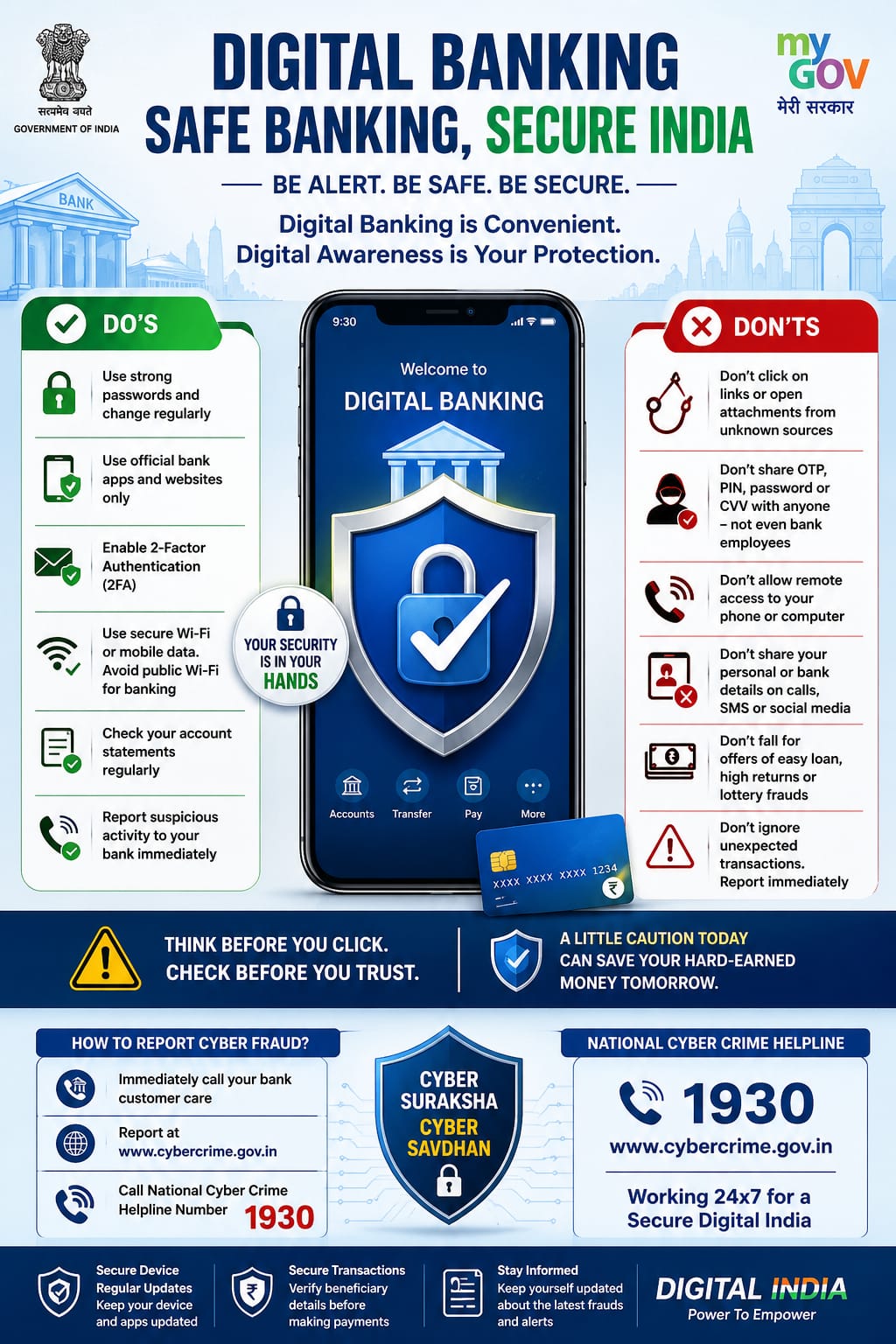
Be alert. Be safe. Be secure. Digital banking is convenient — digital awareness is your protection.
Do
- Use strong passwords and change them regularly.
- Use official bank apps and websites only.
- Enable two-factor authentication (2FA).
- Use secure Wi-Fi or mobile data. Avoid public Wi-Fi for banking.
- Check your account statements regularly.
- Report suspicious activity to your bank immediately.
Do not
- Do not click on links or open attachments from unknown sources.
- Do not share your OTP, PIN, password or CVV with anyone — not even bank employees.
- Do not allow remote access to your phone or computer.
- Do not share personal or bank details on calls, SMS or social media.
- Do not fall for offers of easy loans, high returns or lottery frauds.
- Do not ignore unexpected transactions. Report them immediately.
How to report cyber fraud
- Immediately call your bank customer care.
- Report at cybercrime.gov.in.
- Call the National Cyber Crime Helpline on 1930, working 24x7.
Image credit: Public awareness material issued by the Government of India (MyGov / Digital India). Reproduced by Cyber Vani for awareness purposes.
Report cyber crime
Call the national helpline or file a report online. The first few hours matter most.